Privacy is one of the first questions clubs ask before investing in video and tracking technology. It matters to us too. As a German company, we work under the European General Data Protection Regulation (GDPR), which is considered particularly strict. This article from Setup & Investment shows how Wingfield keeps the start of a recording secure.
Key takeaways
- Players actively start the recording themselves. Unlike solutions with static QR codes that are scanned to start, this means nobody else can access the videos.
- With Wingfield, players create a short-lived PIN code in their app and use it to sign in right at the Court Screen.
- Consent to recording is given on the Court Screen before a recording starts.
- Players can always see on the screen whether they are being recorded. On top of that, the club puts up a clearly visible sign at the court.
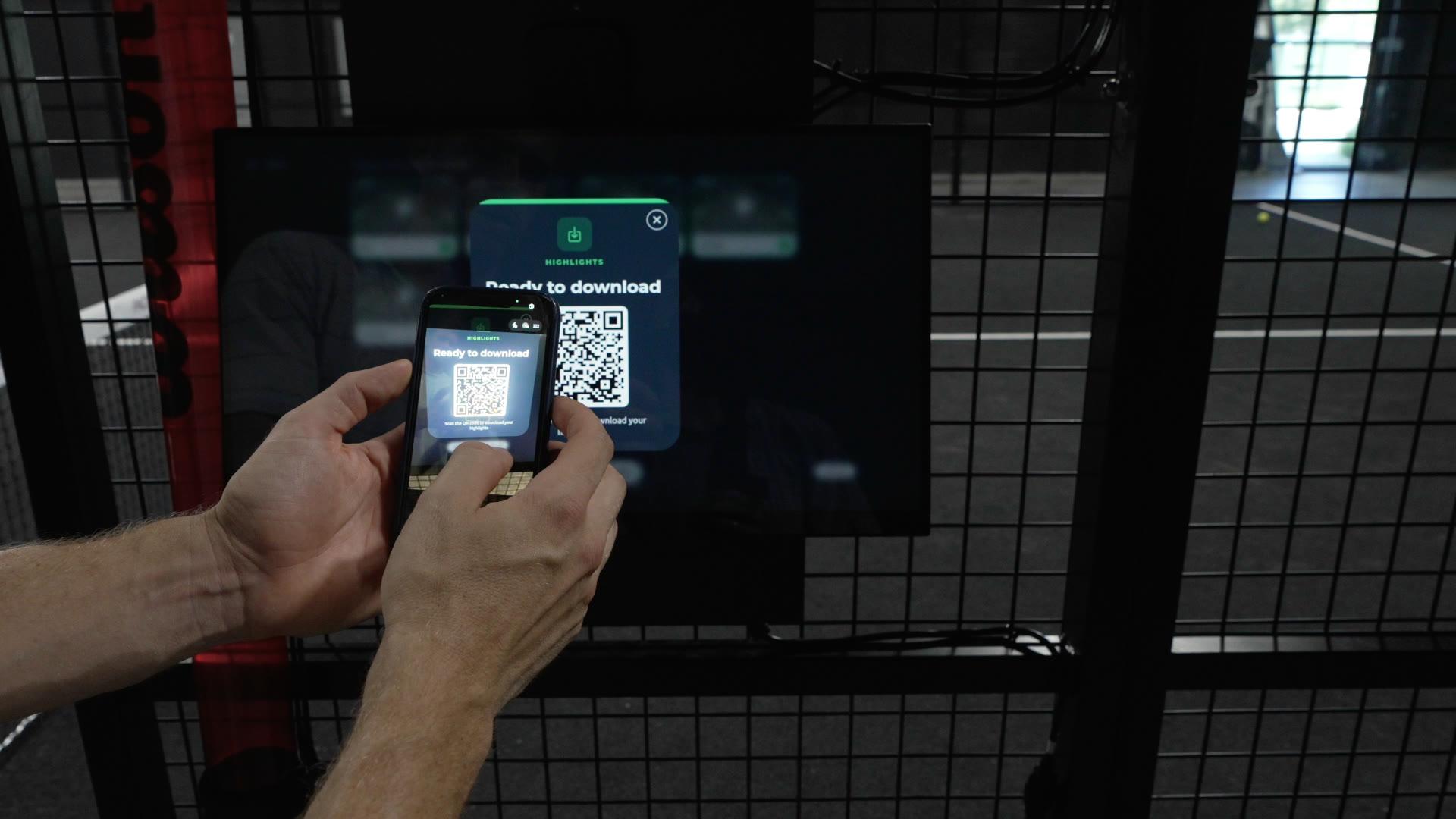
- When players sign in, the full video is synced safely to their own account. Without signing in, they get the highlights they tagged at the screen after the session through a dynamic QR code.
Why a static QR code isn’t enough
Imagine you see a short video from a padel club online. A few rallies, a nice court – and at the side of the court hangs a QR code that players use to start the video system.
You have never been to this club; it might even be on another continent. Still, you could pause the video and scan the QR code comfortably from home.
Should that be enough to start a video recording on this court?
QR codes are handy: they open the right app, make it easier to pick a court and make the system simpler to use. What matters, though, is what happens after the scan.
If a permanently valid QR code is enough to start a recording, in theory anyone with a photo of that code can operate the system – without being there.
Nobody has to hack a system for that. A publicly shared video in which the QR code is visible is already enough.
Static QR code or a PIN from the app
Who can start a recording on your court
Static QR code
Can be started from outside
PIN from the Wingfield app
Only players on site
How do players start a recording with Wingfield?
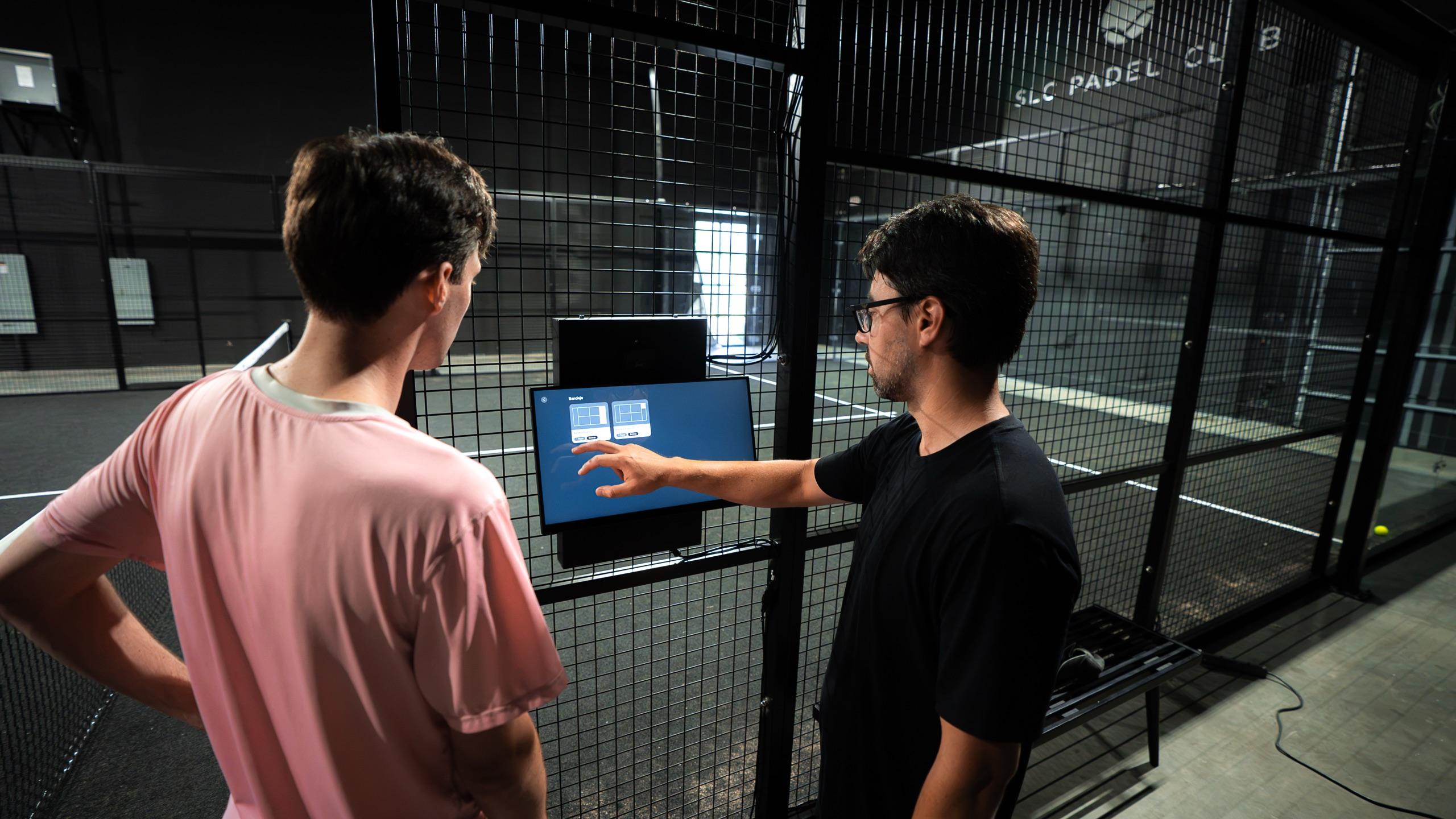
Right at the court. Players create a short-lived PIN code in their Wingfield app and enter it on the Court Screen. So anyone who wants to start a recording has to be there in person. Once it expires, the code can no longer be used.
Consent to recording is given on the Court Screen before a recording starts. This also applies when the court is connected to a booking system and the session is ready with the booking.

How do players know they are being recorded?
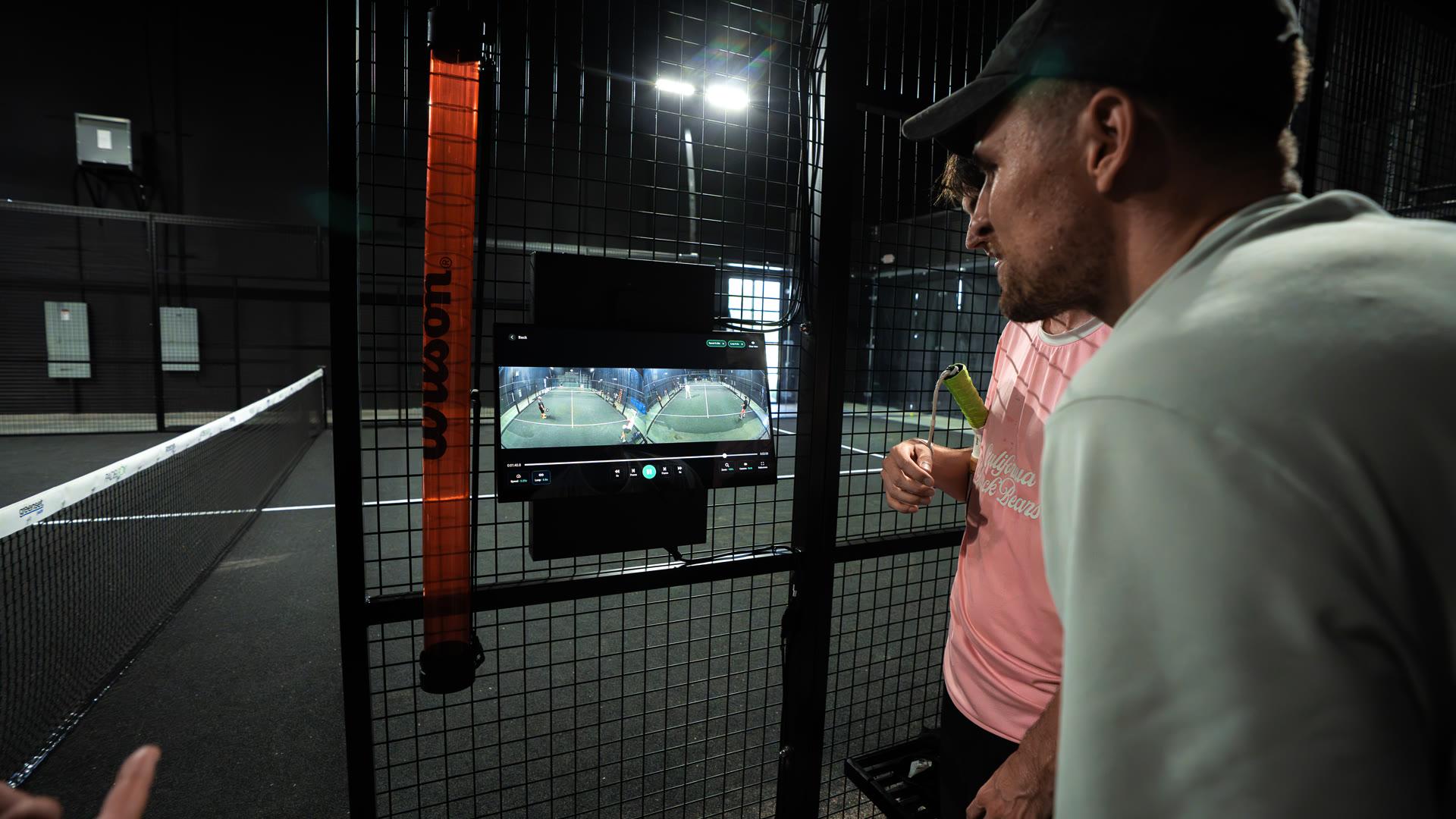
From the Court Screen. It always shows whether a session is running, and players start it themselves. A camera without a screen leaves that question open. Why the screen also eases skepticism is covered in Court Screen: Why the screen at the court makes the difference.
How do players get their videos?
There are two ways:
- With a Wingfield account: Players sign in at the Court Screen with a PIN code. The full video, and with Wingfield AI Pro also the stats, is synced safely to their account after the session without any extra step.
- Without signing in: Players who don’t sign in download the highlights they tagged at the screen after the session with a dynamic QR code. The screen generates this code fresh for every session.
Both ways only work right at the court.
What is stored, and for how long?
The cameras are aligned so that only the court and the area directly behind it are captured. Recordings are only stored when players start a session or tag highlights on the Court Screen without a session. Highlights and unclaimed sessions are deleted after 14 days. Data of registered users is stored for no longer than the user relationship exists.
What does your club need to do?
Put up a “Video recording” sign where it is clearly visible at the court. As the court operator, you are required to do this: together with Wingfield, you are responsible for the data processing on your court and must inform players before they enter it.
Wingfield provides a fillable sign for this. It names both responsible parties, the purpose and legal basis of the processing, the storage period and the players’ rights. You only add your club’s details and put it up. Download the sign
Can someone outside the facility start a recording on my court?
No. The PIN code from the Wingfield app is only valid for a short time and is entered right at the Court Screen. A photographed code is useless from outside.
Can players see whether they are being recorded?
Yes. The Court Screen always shows whether a session is running.
How long are recordings stored?
Highlights and unclaimed sessions are deleted after 14 days. Data of registered users is stored for no longer than the user relationship exists.
Do I have to put up a sign as a club?
Yes. As the court operator, you are responsible together with Wingfield and must inform players before they enter the court. Wingfield provides a fillable sign for this.